Get an estimate for your video project in less than a minute.

Get an estimate for your video project in less than a minute.
The core distinction in 2D vs 3D animation is that 2D is drawn on a flat plane while 3D is built as models in a digital space with depth. This page compares how they look, how they are made, what affects cost, how long production takes and which projects suit each approach. You can use those differences to choose a format that fits what your video needs to show.
| What is the difference between 2D and 3D animation? 2D animation uses flat drawings or shapes with height and width only. 3D animation uses digital models with depth that a virtual camera can view from any side. The Lion King and My Neighbor Totoro are hand-drawn 2D films, and Toy Story and Finding Nemo are 3D. 2D suits stylized ideas and 3D suits realistic products and spaces. |
I’ve had the chance to use both 2D and 3D animation on many projects over the years. Sometimes a project calls for a combination of the two, while others bring together a little bit of everything: live action, motion graphics, 2D animation, and 3D animation. The style you choose can make or break the story, which is why I always start with a video strategy to figure out which approach is the best fit for the project.
The difference between 2D and 3D animation is that 2D uses height and width while 3D adds depth. In 2D animation we work with drawings or flat shapes. A character can move across the screen or turn toward you. That turn still comes from changing the artwork you see. There is no complete digital body behind the drawing that a camera can circle.
Flat artwork does not have to look flat on screen. Overlapping shapes, shadows and perspective can suggest distance. A road can narrow toward the horizon. A person can appear closer by growing larger in the picture. Those choices create the impression of depth within a flat image.
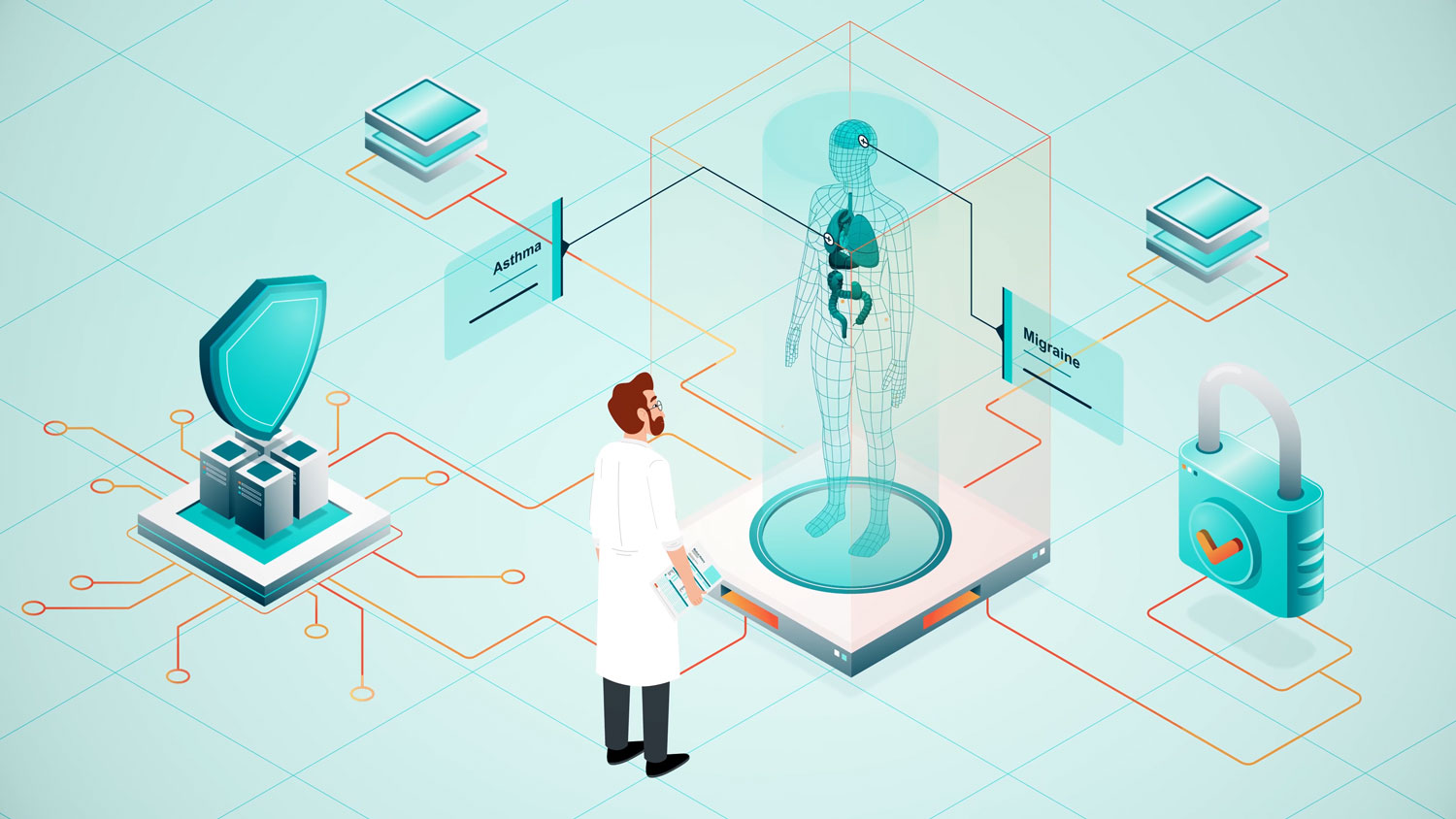
In 3D animation we build models with surfaces that occupy a digital space. Virtual lights determine how those surfaces catch light and cast shadows. A virtual camera sets your view of the scene. Moving it around a model reveals the object from another angle.
You can see the distinction clearly with a rotating product. In 2D each new view needs artwork that represents that angle. In 3D the camera can reveal another side of the existing model.
That does not mean 3D must look photographic or 2D must look simple. Either can be stylized. The underlying difference is how the scene is built and how its depth appears on screen.
Most of the projects we create at Creamy Animation are made with 2D animation, but sometimes we use 3D to achieve a particular look. We build the elements in Cinema 4D, then apply toon shading so they have the illustrated look of 2D animation while retaining a sense of depth.
If you watched the finished video, you might not realize those elements were created in 3D software. This example shows how we used that technique throughout the project, bringing a lot of 3D elements into a style that still feels like 2D animation.
2D builds movement from flat artwork while 3D builds movement around models in a space with depth.
| 2D | 3D |
|---|---|
| How it is made: Drawings or flat shapes | How it is made: Digital models, lights and cameras |
| Typical look: Graphic or illustrated | Typical look: Dimensional or sculpted |
| Depth and camera movement: Suggested through artwork and layers | Depth and camera movement: Camera moves through a modeled scene |
| Realism: Created through drawing and shading | Realism: Created through surfaces and lighting |
| What changes cost most: Detailed redraws and complex movement | What changes cost most: Model rebuilds and complex scene changes |
| Typical turnaround: 4 to 8 weeks | Typical turnaround: 6 to 8 weeks |
| Easiest to update later: Text, colours and separate graphic elements | Easiest to update later: Views and movement using existing models |
| Best for: Stylized characters and abstract ideas | Best for: Realistic products, spaces and object rotation |
Use this comparison to match the format to what you need viewers to see. A simple drawing may communicate an idea more clearly than a detailed model. A product demonstration may need depth to show how parts fit together. Neither format sets the workload by itself. Detail, movement and the changes you request all affect production.
We make 2D animation by designing flat artwork and controlling how it changes over time.
The script comes first. It sets out what you need to say and what the viewer will see. We then turn it into a storyboard. These scene drawings show the order of the action before we animate it.
Design establishes the characters, colours and backgrounds. A character needs to work in motion as well as in a still picture. We consider how its face changes and how its arms bend. Small design decisions can affect every scene that follows.
Frame by frame animation uses successive drawings to create movement. Rigged animation uses a digital puppet made from connected parts. The animator moves those parts instead of redrawing the entire character. A project can use both methods where they suit the action.
Compositing means combining the artwork into a finished shot. We place characters against backgrounds and add any shadows or effects the design needs. Each layer has a job in the final picture.
Sound completes the sequence. Voice, music and individual sound effects need to match the movement. We check the whole scene together so a strong drawing is supported by clear timing and sound.
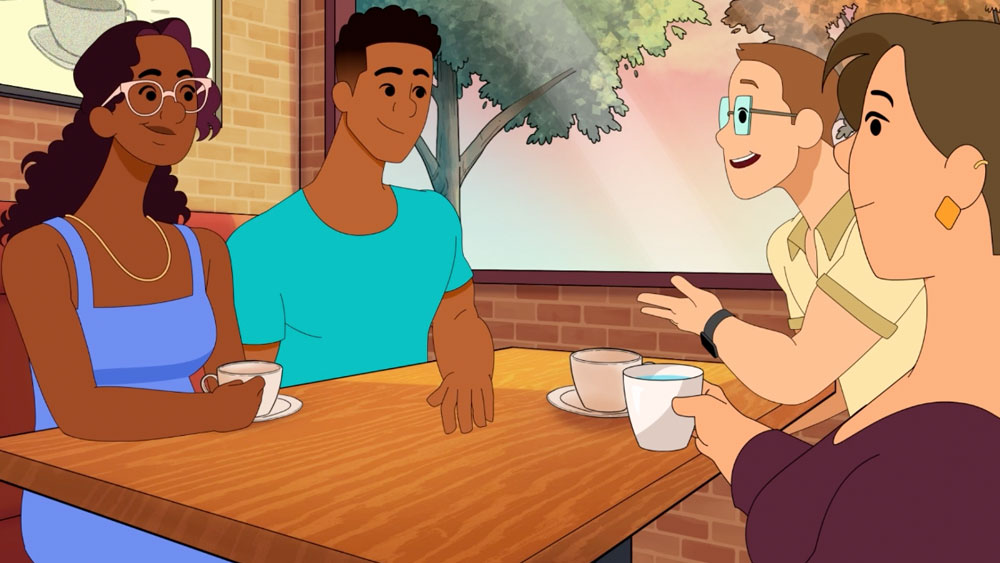
We make 3D animation by building digital models and giving them surfaces, movement and light.
Modeling establishes the shape of each object. For a product this means getting its proportions and visible parts right. A model only needs the detail that the finished camera views will reveal. A close view of a connector needs more attention than the same object seen across a room.
Texturing defines the surface appearance. It controls details such as colour, roughness and markings. The same shape can read as painted metal or soft fabric depending on these surface choices.
Rigging adds controls for movement. Think of it as building a digital skeleton or a set of handles. A character needs controls for its body and face. A machine might only need its moving parts connected correctly.
Animation sets the action and camera movement. We work on the speed of a turn or the weight of a landing. Lighting then establishes what you can see clearly and how the materials appear.
Rendering is the calculation that turns the models, surfaces, lights and camera view into finished images. Detailed reflections and complex scenes can make that calculation take longer.
These stages depend on one another. A shape change can affect the surface work and movement already built around it. Clear approvals on the model help keep later work focused on finishing the image.
3D animation is often more expensive than 2D at a comparable length and quality level. It is not always the higher quote.
Our 2D animation starts at $5,000 for a 60 to 90 second video. Our 3D animation is part of our premium tier, which starts at $10K. The useful comparison is what each quote includes for your particular scenes.
In 2D the amount of drawing matters. A simple character moving through a plain background has a different workload from detailed characters turning and interacting. Frame by frame work can require extensive redraws. More characters also mean more designs and more performances to animate.
In 3D the setup can be substantial. Models need surfaces and movement controls before animation starts. A reflective product viewed close up may need careful lighting and extra rendering time. Rendering is the calculation of the finished images from the digital scene.
Revisions affect both formats. Changing a colour can be straightforward. Replacing a character design after its scenes are animated is a different job. Changing the shape of a 3D product can affect its surfaces and moving parts.
We compare the detail in the actual brief. An elaborate hand-drawn sequence can cost more than a simple 3D rotation using an approved model. Length alone does not capture that difference. The quote needs to reflect the work visible in every scene.
3D animation can be faster when existing models and scenes are reusable. But new 3D work often takes longer to set up.
A finished model can be viewed from another angle without redrawing the object. An approved scene can support more shots. That helps when you need a series of related videos with the same products or environments.
The first video still needs its models, surfaces and movement controls built. Detailed scenes also take time to render into finished images. A late design change can send work back through several stages.
Simple 2D work can move faster because there is less to build before animation begins. Flat text and shapes may be enough for the message. Detailed frame by frame drawing can change that balance quickly.
Our standard animation takes 4 to 6 weeks. Premium animation, which includes 3D, takes 6 to 8 weeks. We would set your schedule against the actual scenes and the material already available. A reused asset only saves time if it fits the new work. A model that needs rebuilding is not the same starting point as an approved one.
Choose 2D animation when clear graphic ideas and stylized characters matter more than realistic depth.
Choose 3D animation when the viewer needs to understand an object’s shape, material or position in space.
Yes, you can combine 2D and 3D animation within the same video or the same shot.
2.5D animation places flat artwork in layers that suggest depth. Moving those layers at different speeds can make a camera move feel dimensional without building every object as a full model.
You can also give a 3D scene flat colours and drawn-looking outlines. The models still have depth. Their finished surfaces resemble illustration instead of photography.
Another approach places 2D characters over 3D backgrounds. This can preserve the drawn performance while allowing more freedom to move through the environment.
With 2D and 3D animation combined, the parts need a shared visual treatment. Lighting, line weight and motion should feel intentional together. A detailed background can distract from a simple character if their styles have not been considered as one image.
Useful 2D vs 3D animation examples include drawn character films and films built around digital models.
The Lion King uses hand-drawn character animation as its central visual approach. Its drawn version shows how shape and expressive poses can carry a performance without photographic surfaces. The title here refers to the hand-drawn film.
My Neighbor Totoro is another example of drawn characters and painted environments. Look at how a clear silhouette can make a character readable within a detailed setting. The background and character do different jobs within the same picture.
Toy Story uses 3D characters and environments. Its toys occupy spaces that the camera can view from different positions. Finding Nemo also uses 3D animation. Its underwater spaces show how lighting and depth can shape a scene.
These films illustrate the visual distinction. Their production scale does not set a useful budget expectation for a business video.
Disney shifted its main feature production toward 3D as computer-animated films became a larger part of its business.
That shift developed across the period after the mid-1990s and into the early 2000s. It involved production choices and audience demand. It was not proof that drawn animation had stopped working as a way to tell stories.
The change was not an overnight end to all hand-drawn work. Disney continued to release drawn features during the transition. Hand-drawn sequences and techniques also remain part of animation practice more broadly.
A large film studio’s production strategy does not decide the right format for your video. The relevant point is that 2D and 3D remain different ways of making images. One did not become incapable of useful work because more features were being made with the other.
Choose the format by checking realism, reuse, budget, future changes and where the video will run.
The answers below address the practical differences that matter when you are choosing an animation format.
2D animation uses flat artwork while 3D animation uses models with depth. A 2D image can suggest distance through perspective and overlapping layers. A 3D scene lets a virtual camera view an object from different positions. Both can be stylized. The distinction is how the images are built rather than how realistic they appear.
2D is better for some briefs and 3D is better for others. Drawn characters and graphic concepts can work well in 2D. A detailed product rotation may benefit from 3D. Compare the message and the visual information you need to show. Neither format automatically produces clearer communication or a stronger finished video.
3D can be cheaper when approved models and scenes already exist and the required action is simple. Detailed hand-drawn work can involve more labour than reusing those assets. New 3D models and realistic surfaces can reverse that comparison. Ask for a quote based on the same scenes and deliverables before choosing on price.
Simple flat animation is often easier to set up than a new 3D scene. That does not make all 2D work easier. Complex drawing and character movement require substantial skill and time. In 3D the initial build can be harder while later camera changes are more straightforward. The specific action determines the difficulty.
3D can be faster when the production can reuse suitable models and scenes. It can take longer when everything needs to be built and rendered from scratch. A restrained 2D design can reach animation sooner. Compare the actual work and approval stages rather than assuming one format always has a shorter schedule.
Yes, a video can mix drawn elements with digital models. A flat character can sit within a dimensional environment. A modeled product can appear alongside animated text and diagrams. The elements need compatible colour, lighting and movement. A planned combination usually feels more coherent than adding a different style after the main scenes are finished.
3D often suits a product video that needs realistic surfaces and views around the object. 2D can suit a video about the product’s purpose or the problem it solves. The right choice depends on what the buyer must understand. Showing how a mechanism fits together is a different brief from showing a simple customer journey.
Disney moved much of its feature production toward computer animation as that format became central to its film business. The transition reflected commercial and production decisions rather than a technical failure of drawing. Hand-drawn animation continued through the transition and remains a working technique. A feature studio’s choices do not make 3D the best answer for every project.
Choose the format that makes your message clear within your budget. Use 2D when graphic simplicity or drawn character work fits the idea. Use 3D when shape, depth and realistic surfaces need to carry the explanation. Start with what must look real and what the viewer needs to understand. That gives us a useful basis for comparing the actual production work your video requires.


Larry is the Founder and Producer at Mammothic Films, with more than 15 years of production experience. He leads a team that creates story-driven videos for businesses and brands. A marketer, designer, and animator, Larry has overseen the production of more than 1,500 videos for Fujitsu, Logitech, Warner Brothers, NFL, Blockdaemon, Astronomer, Canonical, and 370+ other companies in Canada, the United States, and around the world.
Larry is a devout Christian who believes in placing God first, and that everything else is a blessing that comes from serving Him. When he’s not working, he’s hanging out with his wife and three kids, playing the piano, or sightseeing.
We use cookies to improve your experience on our site.
Manage your cookie preferences below:
Essential cookies enable basic functions and are necessary for the proper function of the website.
