Get an estimate for your video project in less than a minute.

Get an estimate for your video project in less than a minute.
SaaS is a common way to access business software without running the application on your own servers. If you are asking “what is SaaS?”, this guide covers its meaning, how it works, familiar examples and how SaaS companies make money.
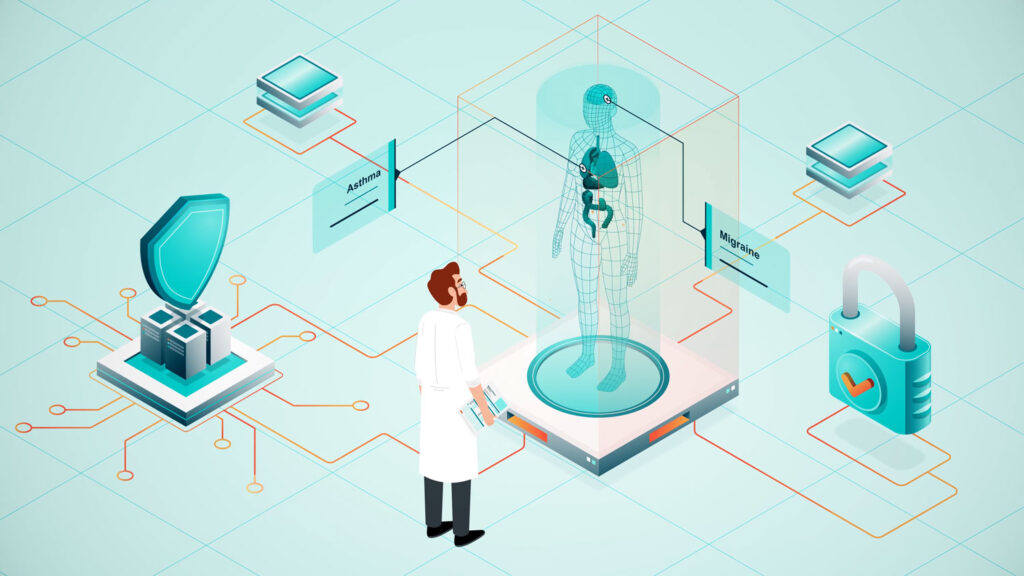

| What is SaaS? SaaS (software as a service) is software that a provider hosts in the cloud and delivers over the internet for a subscription fee. Users sign in through a browser or app. The provider manages servers, updates and service security. Examples include Microsoft 365, Salesforce, Slack and Zoom. |
AI platforms like Claude are making it easier to build custom software through an approach often called “vibe coding,” where you describe what you want and use AI to help write and refine the code. Over the last few months, I’ve used this approach to build custom applications and interactive tools for our websites. These include a cost calculator, the custom plugin that powers our portfolio section, a rental services web app and a CRM that is still in beta testing.
Building these tools has given me firsthand experience with the work behind a SaaS product. Creating the features is one part. Managing access, testing workflows and keeping the software reliable are ongoing responsibilities.
SaaS stands for software as a service. It is pronounced “sass.”
A practical SaaS definition is software operated by a provider and made available to customers over the internet. The application runs on infrastructure managed by the vendor or its cloud hosting partner. Customers receive access under a service agreement, usually through a monthly or annual subscription.
To define SaaS simply, think of renting access to an application. You can use its features while your account remains eligible. Paying for the service does not give you ownership of the underlying software.
The SaaS meaning becomes clearer when compared with traditional software. Businesses once commonly bought licenses upfront, installed applications on computers or internal servers and assigned IT staff to maintain them. Upgrades could require separate purchases and scheduled installation work.
With SaaS, the provider operates the hosted application and manages its updates. Customers still manage their users, access permissions and data practices. Some SaaS services also offer free plans, so a paid subscription is common rather than universal.
SaaS applications connect your device to software running on the provider’s infrastructure. Here is what happens when you use a typical cloud application.
| Step | What happens |
|---|---|
| 1. Open the application | You launch a website, desktop client or mobile app. |
| 2. Sign in | The service checks your identity and account permissions. |
| 3. Send a request | Your action travels over the internet to the provider’s servers. |
| 4. Process the request | The application performs the task and retrieves or stores relevant data. |
| 5. Display the result | The response appears on your screen, such as an updated project board. |
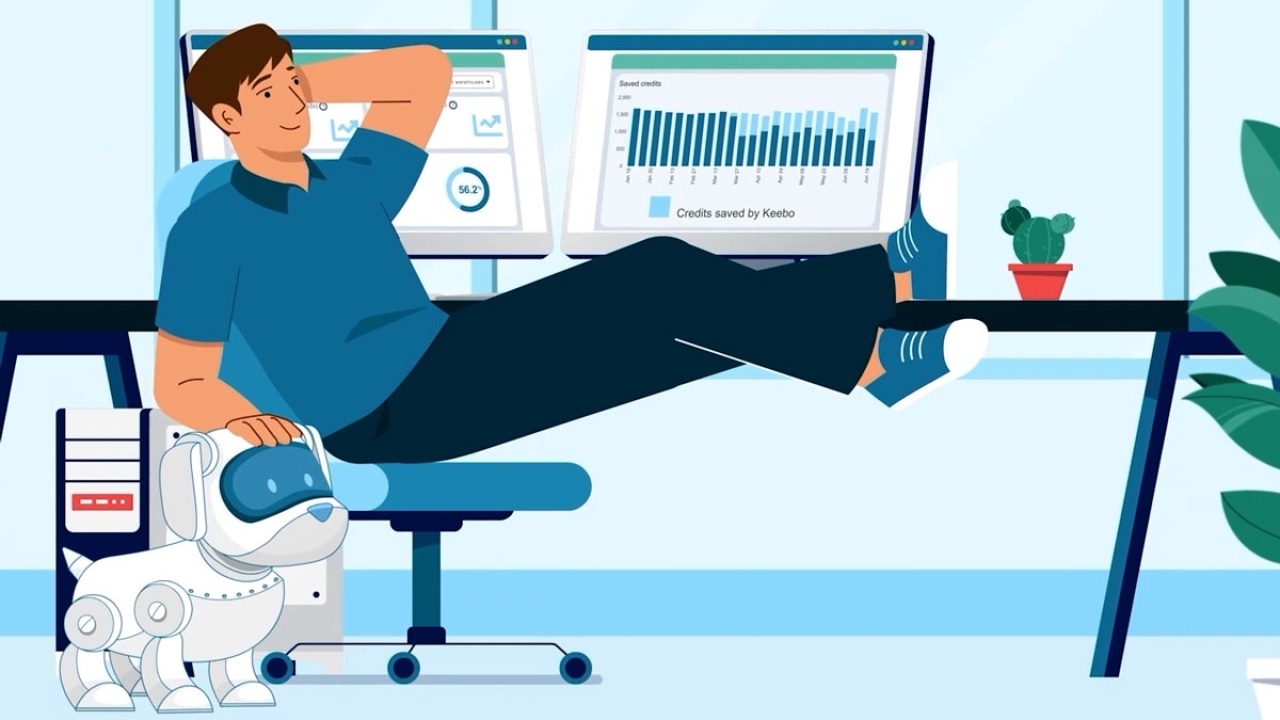
Many providers use a multi-tenant architecture. Several customers share application resources. Access controls keep each customer’s information separate.
Shared infrastructure lets vendors maintain software centrally. However, updates may reach customers in stages. Different subscription plans can also include different features.
Many SaaS providers rent computing resources from Amazon Web Services, Microsoft Azure or Google Cloud. Customers generally deal with the application vendor rather than managing that underlying infrastructure themselves.
So, what is SaaS software in everyday use? It is the application you sign into to complete a task, while someone else runs the hosted service.
These software as a service examples show how SaaS products support everyday business and personal tasks.
| Product | Company | What it does |
|---|---|---|
| Microsoft 365 | Microsoft | Provides cloud productivity services alongside desktop apps in some plans. |
| Google Workspace | Combines business email, documents, spreadsheets and collaboration tools. | |
| Salesforce | Salesforce | Helps teams manage customer relationships, sales and service. |
| Slack | Salesforce | Organizes workplace conversations into channels and direct messages. |
| Zoom | Zoom | Supports video meetings and workplace communication. |
| Dropbox | Dropbox | Stores, synchronizes and shares files through the cloud. |
| Shopify | Shopify | Provides tools for running an online store and managing commerce. |
| HubSpot | HubSpot | Offers customer relationship, marketing, sales and service software. |
| Asana | Asana | Helps teams organize projects, tasks and responsibilities. |
| Canva | Canva | Provides online tools for creating designs and visual content. |
These examples of SaaS share a delivery model, but their purposes differ. Choose a product based on the work it needs to support.
SaaS can be grouped by who buys it and how many industries it serves. These categories overlap, so one SaaS platform can fit several descriptions.
B2B SaaS means software as a service sold to businesses. Salesforce and HubSpot help teams manage work that involves multiple people, shared information and reporting. Buying decisions may involve department leaders, IT staff and procurement teams. This can lengthen the sales process.
B2C SaaS serves individual consumers. Personal Dropbox accounts and Canva subscriptions are examples of services people can use for their own files or creative projects. Many consumer products offer a free plan with paid upgrades for more storage, features or access.
Enterprise SaaS supports the needs of large organizations. Microsoft 365 and Salesforce offer enterprise plans with administrative features suited to complex teams. Buyers often assess single sign-on, audit logs, access controls, support commitments and service-level agreements.
Vertical SaaS serves a particular industry. Healthcare software as a service can support patient scheduling, records and billing. Products such as Clio focus on legal practice management. These SaaS solutions address workflows that general business tools may not handle well.
Horizontal SaaS platforms serve similar needs across many industries. Zoom supports meetings. Asana supports project management. A construction company and a marketing agency could use the same application even though their businesses operate differently.
A SaaS company builds, operates and sells access to hosted software. Its core revenue often comes from recurring subscriptions rather than one-time license purchases.
Software as a service companies need several teams to keep that service useful:
A SaaS company must keep earning the customer’s renewal. Reliable service matters, but so do useful features, clear onboarding and responsive support.
Salesforce is an early example. Founded in 1999, it built its business around delivering customer relationship management software over the internet.
The SaaS business model relies on recurring revenue from continued access to software.
| Pricing model | How it works | Common use |
|---|---|---|
| Flat rate | Customers pay a set amount for a defined package. | Products with a simple offering and predictable scope. |
| Tiered | Plans provide different features, limits or support levels. | Products serving small teams through larger organizations. |
| Per user | Charges depend on the number or type of licensed users. | Collaboration, customer relationship and productivity tools. |
| Usage-based | Charges vary with measured consumption. | Services billed by transactions, storage or processing. |
| Freemium | A free plan attracts users, with paid upgrades available. | Products such as Dropbox, Zoom and Canva. |
A SaaS business may combine these approaches. A subscription could include several users and charge extra when usage exceeds a limit.
Recurring revenue also changes how companies measure performance.
| Metric | Meaning |
|---|---|
| MRR | Monthly recurring revenue: subscription revenue expressed as a monthly amount. |
| ARR | Annual recurring revenue: recurring revenue expressed on an annual basis. |
| Churn | Customers or recurring revenue lost during a defined period. |
| CAC | Customer acquisition cost: the cost of gaining a new customer. |
| LTV | Customer lifetime value: an estimate of a customer’s value over the relationship. |
These measures need consistent definitions. Customer churn and revenue churn, for example, describe different losses.
The SaaS model works when customers continue receiving enough value to stay. Selling subscriptions without helping people use the product creates a weak foundation for renewals.
SaaS sales is the process of selling access to subscription software. The first purchase begins the relationship. Renewals and account growth depend on whether customers find the product useful.
Customers evaluate the product, create an account and subscribe without speaking to a salesperson. Clear pricing, a useful trial and straightforward onboarding help this approach work. It suits products buyers can understand and test independently.
Sales representatives work with buyers through calls, email and online demonstrations. They explain features, answer questions and help teams assess whether the software fits their needs. This approach suits purchases that require guidance without an extensive procurement process.
Enterprise sales involves larger agreements and more stakeholders. Buyers may require security reviews, contract negotiations, technical testing and a rollout plan. The sales team must address the needs of users, administrators and decision-makers.
SaaS marketing helps buyers understand an application before committing to it. Free trials, product tours, comparison pages and customer stories can answer different questions during that evaluation.
Video is useful when a workflow is difficult to describe in text. A focused demonstration can show how someone completes a task and what changes as a result. Many SaaS teams hire a corporate video production studio for product demonstrations and customer stories.
Start with one customer problem. Show the steps that solve it, then give the viewer a clear next action.
Short animated SaaS videos are a common way for software companies to show what their product does. Our animation team at Creamy Animation produced the four videos below for SaaS platforms.
Astronomer offers Astro, a fully managed platform for building, running and observing data pipelines powered by Apache Airflow. Data teams use it instead of running Airflow on their own infrastructure.
Skyflow provides a data privacy vault delivered as an API. Developers use it to store and protect sensitive customer data, such as personal and payment information.
TestBox began as a marketplace where buyers could test B2B software side by side. It is now a SaaS product for B2B sales and solutions teams that gives prospects working demo and trial environments.
Augmentt is a SaaS management and security platform built for managed service providers (MSPs). It helps MSPs discover, manage and secure the SaaS applications their clients use, including Microsoft 365.
SaaS is one of three traditional cloud service models. The main difference is how much the provider manages and how much the customer must operate.
| Model | Stands for | What you get | Examples |
|---|---|---|---|
| IaaS | Infrastructure as a service | Computing, networking and storage resources for running your own systems. | Amazon EC2, Azure Virtual Machines, Google Compute Engine. |
| PaaS | Platform as a service | A managed environment for building and deploying applications. | Heroku, Google App Engine, AWS Elastic Beanstalk. |
| SaaS | Software as a service | A finished application that users can access. | Microsoft 365, Salesforce, Zoom. |
IaaS is like renting an empty building that you equip yourself. PaaS is like renting a furnished office where you bring your own work. SaaS is like renting a desk with the tools already set up.
With IaaS, customers manage more of the software environment. PaaS removes some infrastructure work but still requires an application to be built. SaaS provides the application itself.
AWS spans many cloud services and is widely associated with infrastructure and application platforms. Many SaaS companies host their products on AWS. AWS Marketplace also lists SaaS products from other vendors.
A product running on AWS is therefore not the same thing as AWS itself being a single SaaS application.
| Advantages | Disadvantages |
|---|---|
| Low upfront cost. You can often start without buying application servers. | Ongoing cost. Subscription charges continue and can grow with usage. |
| Fast to start. Basic accounts can often be created quickly. | Needs internet. Full functionality usually depends on a reliable connection. |
| Automatic updates. The vendor maintains the hosted application. | Less control over changes. Features and interfaces may change on the vendor’s schedule. |
| Access anywhere. Authorized users can connect from supported devices and locations. | Data sits with the vendor. You must assess its storage, access and handling terms. |
| Easy to scale. Many services let you add users or capacity without installing servers. | Vendor lock-in. Moving data and workflows to another provider can take effort. |
Some applications support limited offline work. Others require a connection for nearly every task. Test the functions your team depends on before choosing a service.
Also check what happens when you leave. A useful export should preserve the information you need in a format another system can accept.
SaaS implementation means introducing a cloud application to a team and making it part of everyday work. It can require less infrastructure than traditional software, but data migration, integrations and training still need planning.
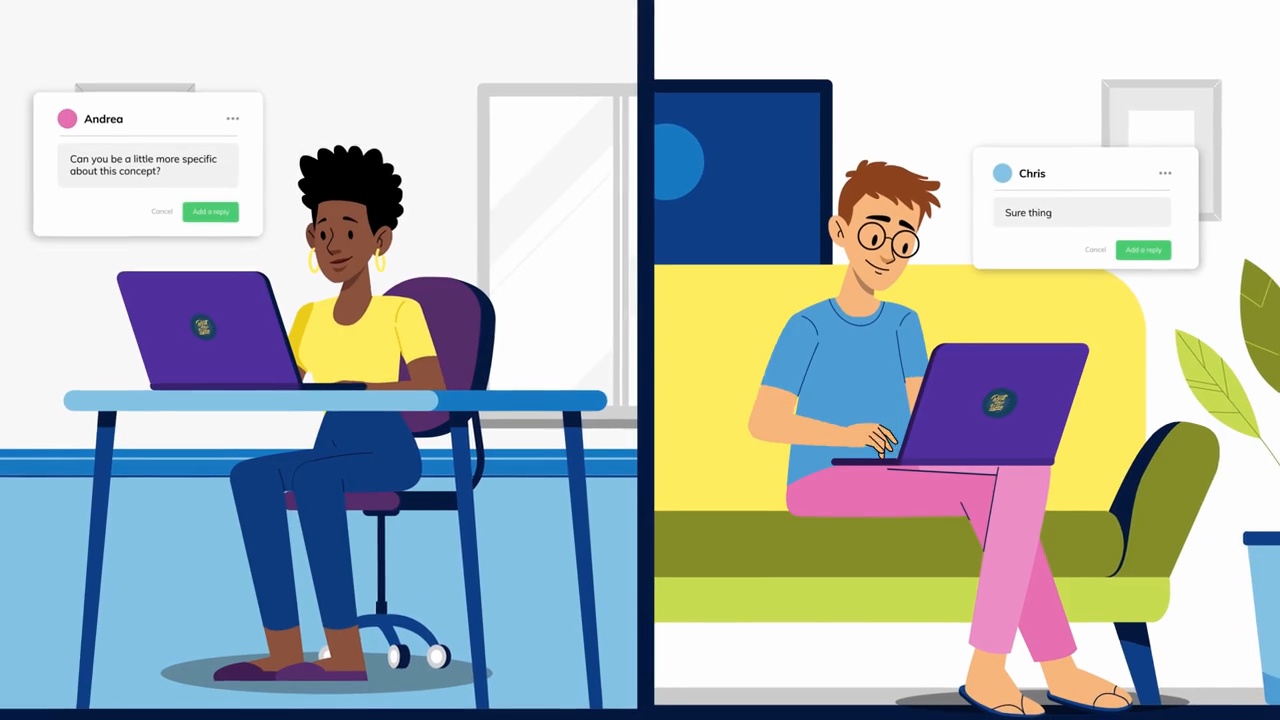
SaaS management continues after launch. Organizations need to know which subscriptions they have, who can access them and whether those accounts are still needed.
A shared application inventory is a useful starting point. Record each tool’s owner, renewal date, user count and purpose. SaaS management tools can help track usage and spending as that inventory grows.
Review access when people change roles or leave. Check unused licenses before renewals and investigate overlapping applications.
SaaS development involves building an application that the provider can operate as an ongoing service. The work includes the customer-facing features and the systems needed to deliver them reliably.
Developers must plan user accounts, permissions, data isolation, billing and subscription management. They also need monitoring, backups and a way to increase capacity as demand grows.
Many products use multi-tenant architecture, although some give customers dedicated resources. The right design depends on the application, customer requirements and operating needs.
SaaS teams often release improvements frequently. Central delivery reduces the need for customers to install server updates themselves, but releases may be staged across accounts or regions.
Companies without an internal engineering team may hire SaaS development services. Before building, define the target user, the main task and a manageable first release. A working solution to one clear problem is easier to test than a broad collection of unfinished features.
SaaS stands for software as a service. The SaaS meaning refers to an application that a provider operates and delivers over the internet. Customers usually pay for access through a subscription. If you are asking “what does SaaS mean?”, think of using software without managing its hosted infrastructure.
A SaaS platform is a hosted software environment that users access through an account. It may combine several related tools, such as customer records, reporting and automated workflows. Some platforms also support integrations or extensions. The word “platform” describes the product’s scope rather than a separate cloud service model.
Microsoft 365 includes SaaS offerings such as hosted email, online collaboration and browser-based productivity tools. Some subscriptions also include installed desktop applications. Those desktop apps can support offline work. Cloud features require connectivity. The exact mix of applications and services depends on the Microsoft 365 plan.
Yes. Salesforce delivers hosted customer relationship management applications that organizations access over the internet. Customers subscribe to products and plans rather than operating the core application on their own servers. Administrators still configure permissions, workflows and integrations, so using SaaS does not remove every internal management responsibility.
AWS is a broad cloud provider rather than one SaaS product. Its services span infrastructure, development platforms and other managed capabilities. SaaS companies often use AWS to host their applications. AWS Marketplace also offers subscriptions to software from other vendors, so the answer depends on the specific service.
SaaS is operated by a provider and accessed as an ongoing service. Traditional on-premises software runs on systems managed by the customer, who handles more installation and maintenance work. Payment alone does not define the difference. Locally installed software can also use subscriptions. Some SaaS applications offer free access.
SaaS tools are hosted applications used to complete tasks such as sending email, managing projects, storing files or tracking customers. Google Workspace, Asana and Dropbox are familiar examples. To compare tools, test a real workflow and review permissions, integrations, export options and the full cost of supporting your team.
SaaS companies commonly earn recurring subscription revenue. They may charge a fixed amount, bill per user or charge according to usage. Some attract customers through free plans and sell upgrades. Additional revenue can come from implementation, training or premium support, depending on the company’s products and agreements.
SaaS sales means helping customers evaluate and purchase access to subscription software. It can happen through self-service checkout, remote sales conversations or a longer enterprise process. Sales teams explain product fit, pricing and implementation needs. Successful renewals also depend on service quality and the value customers receive after purchase.
SaaS is software you access over the internet, usually through a subscription. The provider hosts and updates the application. Customers manage how their people and data use it. Understanding the SaaS model helps you compare products, assess ongoing costs and plan a rollout. Start with the task you need to improve, then test whether the software helps people complete it.
Related Articles

Larry is the Founder and Producer at Mammothic Films, with more than 15 years of production experience. He leads a team that creates story-driven videos for businesses and brands. A marketer, designer, and animator, Larry has overseen the production of more than 1,500 videos for Fujitsu, Logitech, Warner Brothers, NFL, Blockdaemon, Astronomer, Canonical, and 370+ other companies in Canada, the United States, and around the world.
We use cookies to improve your experience on our site.
Manage your cookie preferences below:
Essential cookies enable basic functions and are necessary for the proper function of the website.
