Get an estimate for your video project in less than a minute.

Get an estimate for your video project in less than a minute.
An industrial 3D animation company creates moving technical visuals that explain equipment, processes and sites. The value is often the ability to show a relationship that a camera cannot capture clearly. This guide explains uses in manufacturing, oil and gas, and mining. It also covers the source files and technical review needed to commission an accurate explanation rather than an attractive image that misrepresents the work.

| What is industrial 3D animation? Industrial 3D animation uses digital models and controlled movement to explain equipment, sites or processes. It can reveal internal parts and show a planned sequence from useful angles. The model and actions need technical review. A visual explanation should not be mistaken for evidence that a system will perform as shown. |
Industrial 3D animation explains a technical subject through digital objects that can be viewed and moved in a designed scene. It can show the inside of an assembly or follow a process through areas that a camera cannot reach.
The production may use engineering references or models as a starting point. The team still needs to decide what the viewer must understand. A detailed model does not automatically provide a clear explanation.
For example, a cutaway view can remove an outer surface so internal parts remain visible. An exploded view can separate components to show their relationship. Both need labels and movement that preserve the technical meaning.
Define which details are simplified before production. A visual can omit unimportant geometry for clarity, but a reviewer should confirm that the simplification does not change the explanation or imply an unsupported result. Document these choices so another reviewer can understand exactly what has been changed for the viewer.
Technical accuracy needs to be built into the review process. Before animation begins, confirm the equipment references, operating sequence and details that must be shown. A subject-matter expert should review the storyboard and relevant production stages, rather than seeing everything for the first time in the final cut. Camera movement and cutaway views can make an industrial process easier to follow, but they need to preserve the relationships between the parts.
The benefits of 3D animation in manufacturing come from controlling what viewers see and the order in which they see it. Choose the approach around a specific explanation.
Compare manufacturing video examples by the question they answer. Use a clear description of the intended audience to decide how much internal detail belongs in the finished video. Review a few planned frames before approving the style. Confirm that the important parts remain recognizable at the intended viewing size.
Oil and gas 3D animation can show subsurface relationships, pipeline routes and procedure sequences that are difficult to explain through footage alone. The source information should define what the scene represents and which details are illustrative.
A subsurface view can place a selected process within a larger diagram. Avoid presenting a simplified scene as an exact depiction of a particular site unless the relevant data and reviewer support it. Mark the scope of the explanation in the production brief.
For a pipeline explanation, decide whether viewers need the overall route or a close view of one component. Trying to show both at once can make labels too small and the sequence hard to follow. Keep the relationship between the two views explicit. A clear transition should help viewers understand where the enlarged component sits within the wider system.
For a procedure, confirm the approved order before animation. Have the technical owner review the planned actions and final sequence. Do not improvise steps to make the movement look more dramatic.
Our oil and gas video examples provide visual context. The related energy video production topic can help define the communication task before selecting a format.
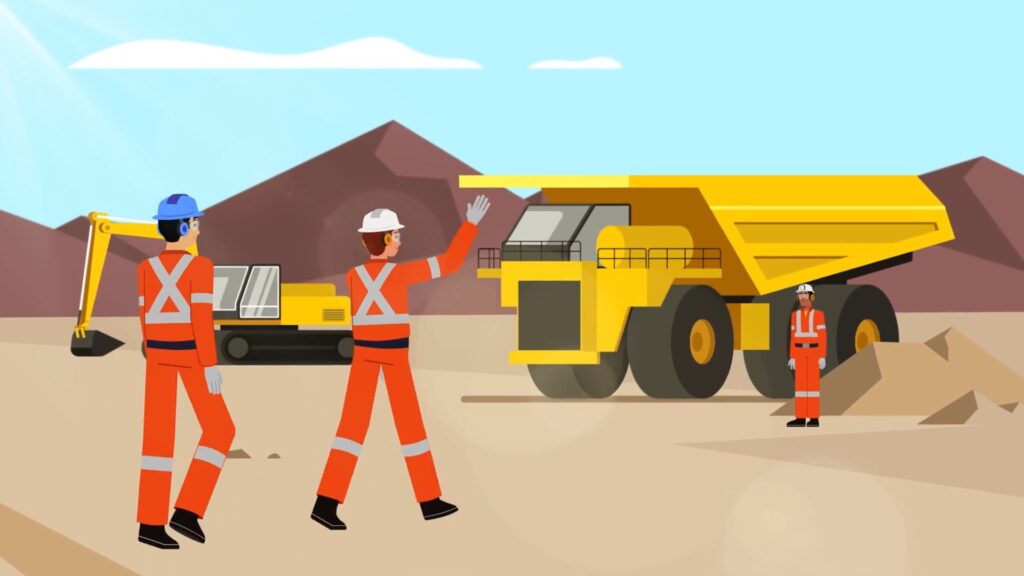
3D mining industry animation can explain a site layout, an equipment relationship or a reviewed safety scenario. The useful detail depends on whether the viewer needs orientation or a close explanation of an action.
A site plan can show how selected areas connect. A proposed layout should not look like a record of an already completed site.
An equipment sequence can show where a component moves or how a planned task is arranged. Use scale and camera angles carefully. A view that hides important clearance can mislead even when the model itself is accurate.
For safety content, define the learning objective with the technical and training reviewers. The scene can support explanation and discussion. It should not be treated as a substitute for the approved procedures and instruction required for the actual work. Review the scene from the learner’s perspective as well as the modeler’s viewpoint. An overhead view may need a corresponding view from the work position.
Compare mining video examples with that objective in mind. Keep a record of site-specific assumptions so the video can be checked when equipment, layout or procedures change.
Look for an industrial 3D animation company that can explain how technical information becomes approved visuals. Ask about review and maintenance as well as the appearance of finished work.
Ask to see how a previous technical correction was handled. A clear explanation of the change and its approval route can reveal more about the working process than a showreel alone. Bring the audience and technical approval requirements to a production discussion.
3D animation can show an assembly, an internal process or a product action from a controlled viewpoint. Choose one question the viewer needs answered. A training audience may need a different level of detail from a buyer. Confirm the approved references and have the technical owner review the planned scene. The image should clarify the subject without implying an unsupported performance or safety result.
A studio needs enough approved information to build and explain the subject accurately. That may include engineering drawings, current models, photographs and a written process description. Confirm acceptable file formats with the chosen team before preparing a large transfer. Identify the approved version and any restricted material. Supply the important labels and dimensions rather than expecting an artist to infer missing technical details.
3D animation can support safety training by showing a reviewed scenario or helping explain a hazard. It needs a defined learning objective and approval from the responsible subject and training specialists. A video should complement the relevant instruction and approved procedures. It should not be treated as proof that a person can perform the task safely.
The schedule depends on the number of scenes, model preparation and review demands. A short sequence with approved assets is different from a production that needs new models and unresolved process decisions. Test the most difficult scene early. Include technical approvals and correction time in the estimate. Ask the team to explain which decisions must be settled before animation and which changes would require rebuilding work.
The organization commissioning the animation should name a technical owner who can approve the subject information. Additional reviewers may be needed for training content or site-specific procedures. The production team should not guess which conflicting comment is authoritative. Agree on the approval route before writing. Review the script and planned visuals first, then inspect the finished sequence with narration and labels together.
Use industrial 3D animation where a controlled view helps explain something that is hidden or difficult to film. Define the audience and the question before deciding how much detail to model. Keep source versions and technical approvals clear throughout production. Check the final movement and narration against the approved meaning. A useful animation is an explanation that can be reviewed and maintained rather than a substitute for engineering evidence or instruction.
Related Articles

Larry is the Founder and Producer at Mammothic Films, with more than 15 years of production experience. He leads a team that creates story-driven videos for businesses and brands. A marketer, designer, and animator, Larry has overseen the production of more than 1,500 videos for Fujitsu, Logitech, Warner Brothers, NFL, Blockdaemon, Astronomer, Canonical, and 370+ other companies in Canada, the United States, and around the world.
We use cookies to improve your experience on our site.
Manage your cookie preferences below:
Essential cookies enable basic functions and are necessary for the proper function of the website.
