A motion graphics how-to video for HST Connect, a Multiplan company. It walks health plan members through finding a provider and comparing costs in the app.
Client
Multiplan (HST)
Style
Motion Graphics
Runtime
1:57
how to use HST Connect
01
The Brief
Members on a Value-Driven Health Plan get access to HST Connect, an app and website for choosing where to receive care. The tool has many features, from cost estimates and quality ratings to a body picker and patient advocates. The video had to show members how to log in and use it, step by step, without losing them.
02
Our Approach
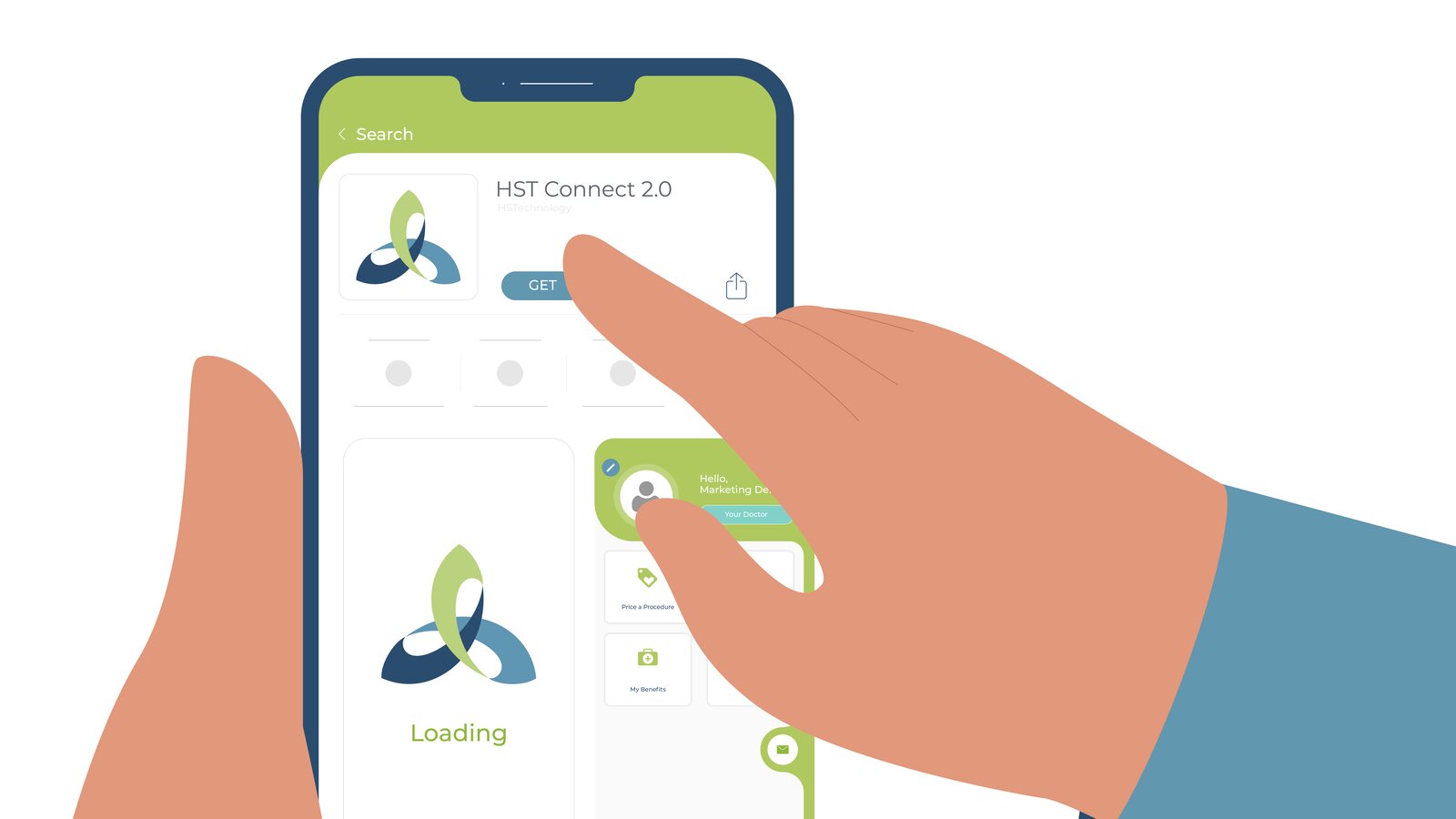
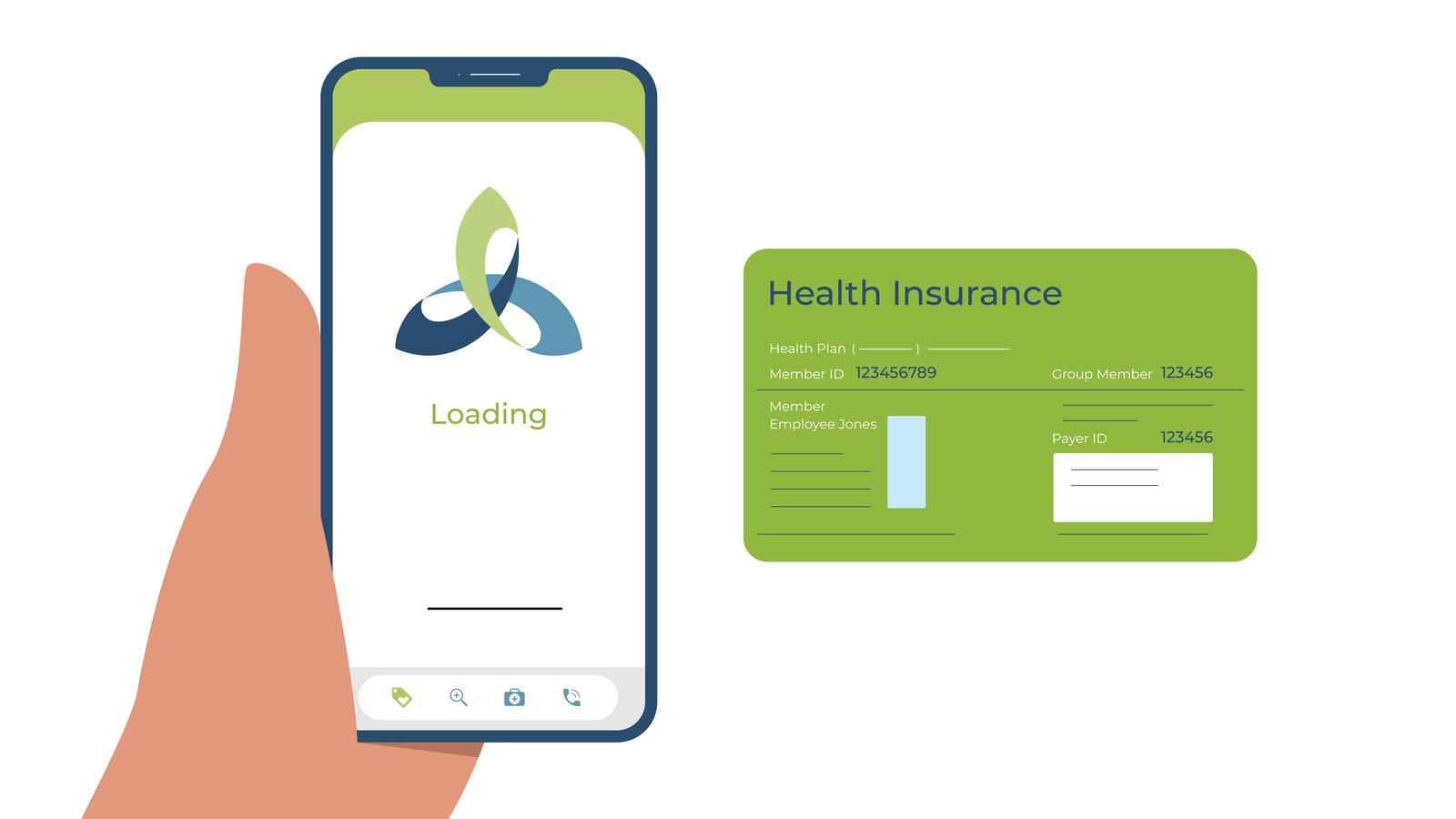
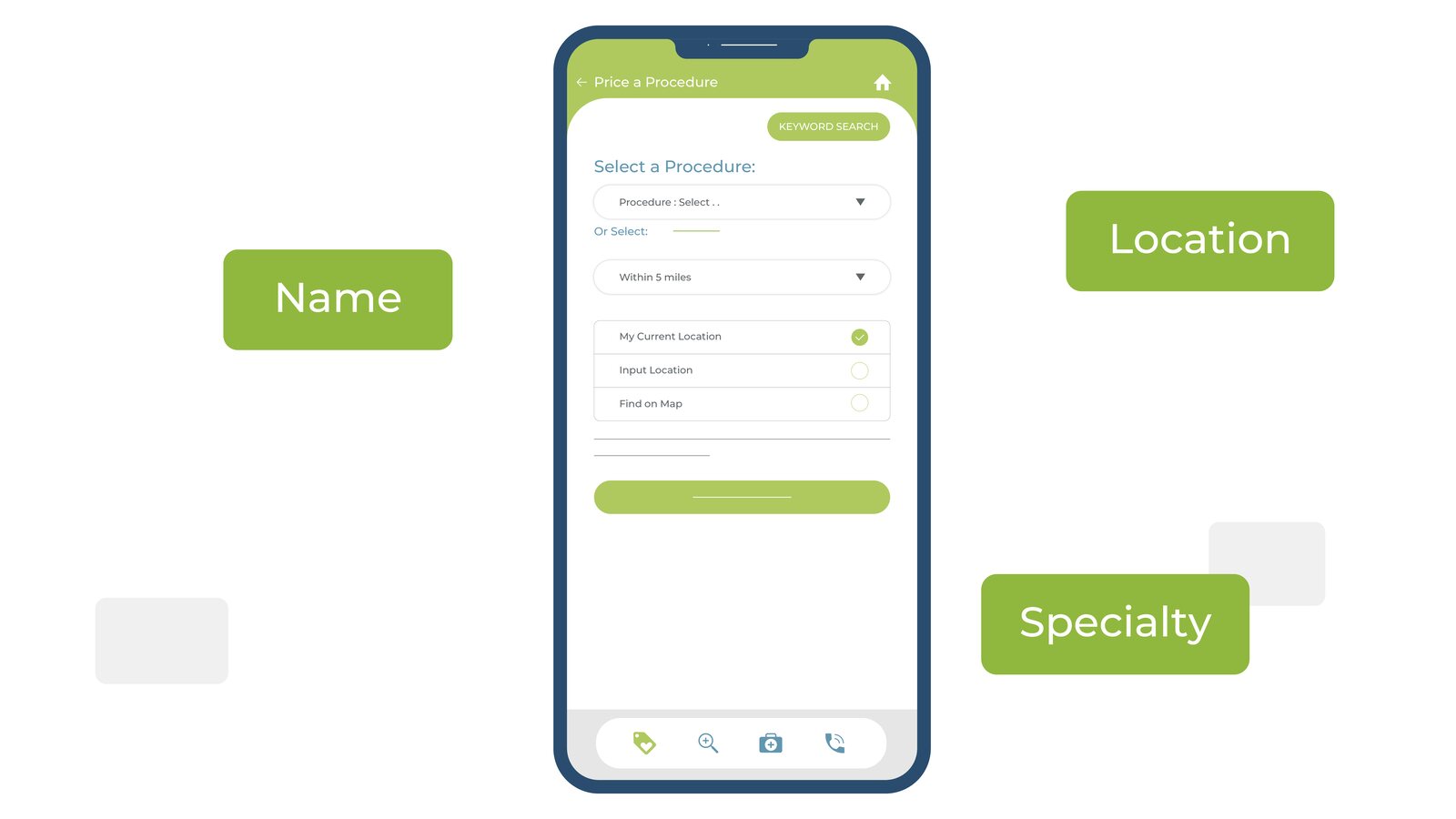
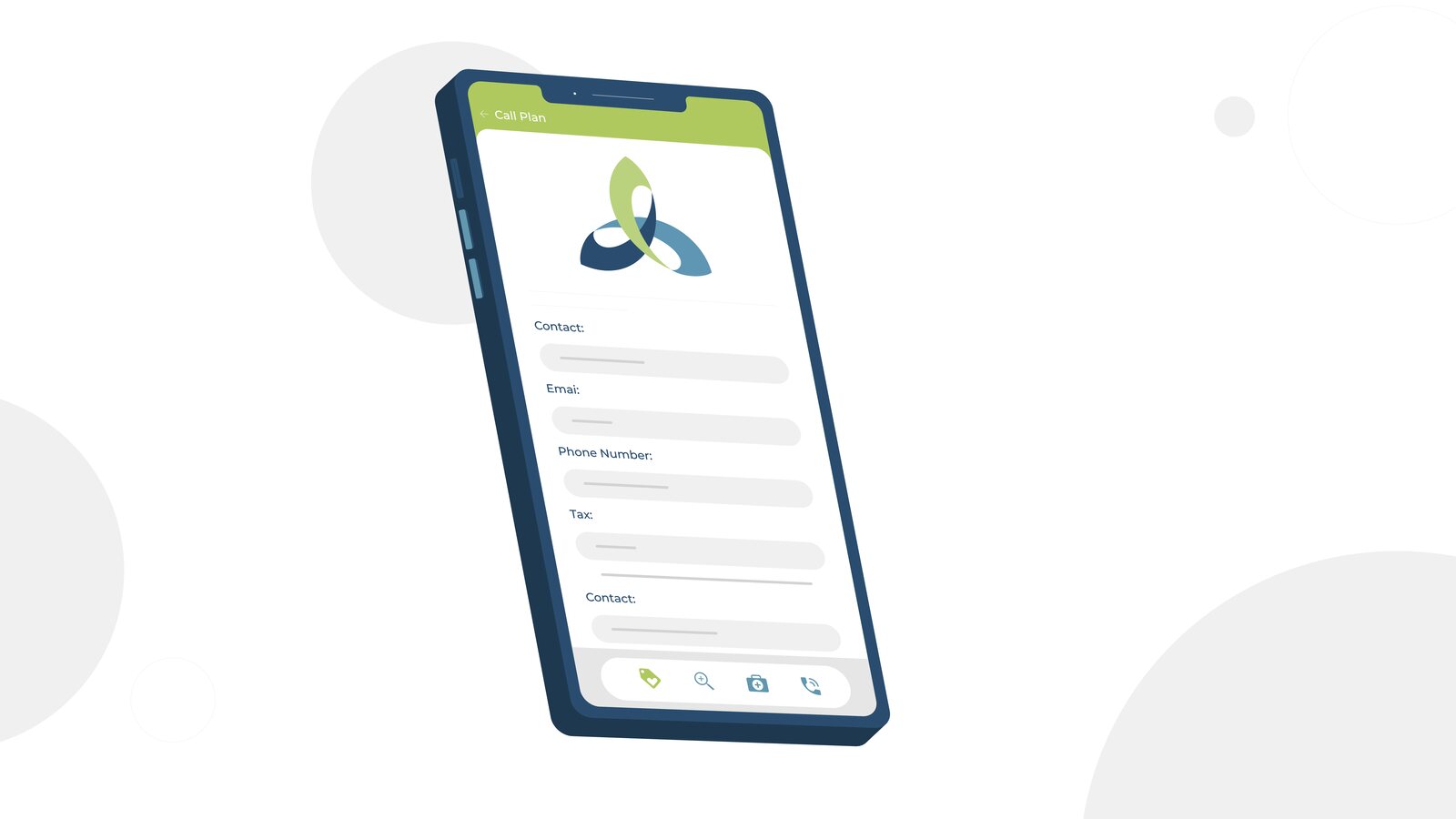
We kept the screens front and center. Clean app mockups slide in on a light background, and icons pop up as each feature is named. A hand downloads the app, the insurance card shows where to find the member ID, and search options float around the phone. Bright green title cards open and close the video and point members to the app stores.
the walkthrough in eight steps
From download to decision
The script follows a member from the first download to comparing results. Here is how it plays out, frame by frame.
1
A new health plan
Value-driven care starts here.
2
App and website
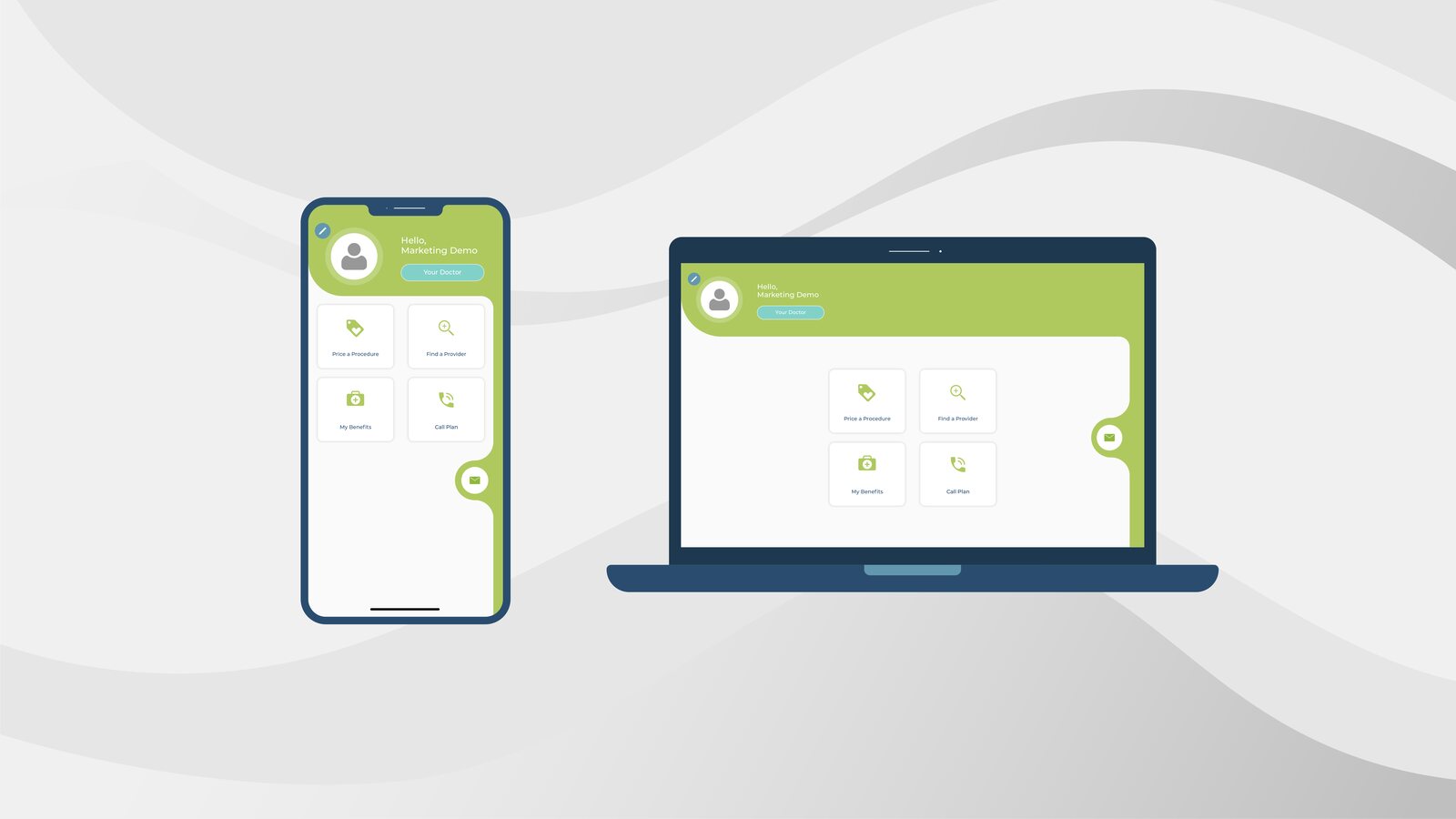
HST Connect on phone and desktop.
3
Everything in one place
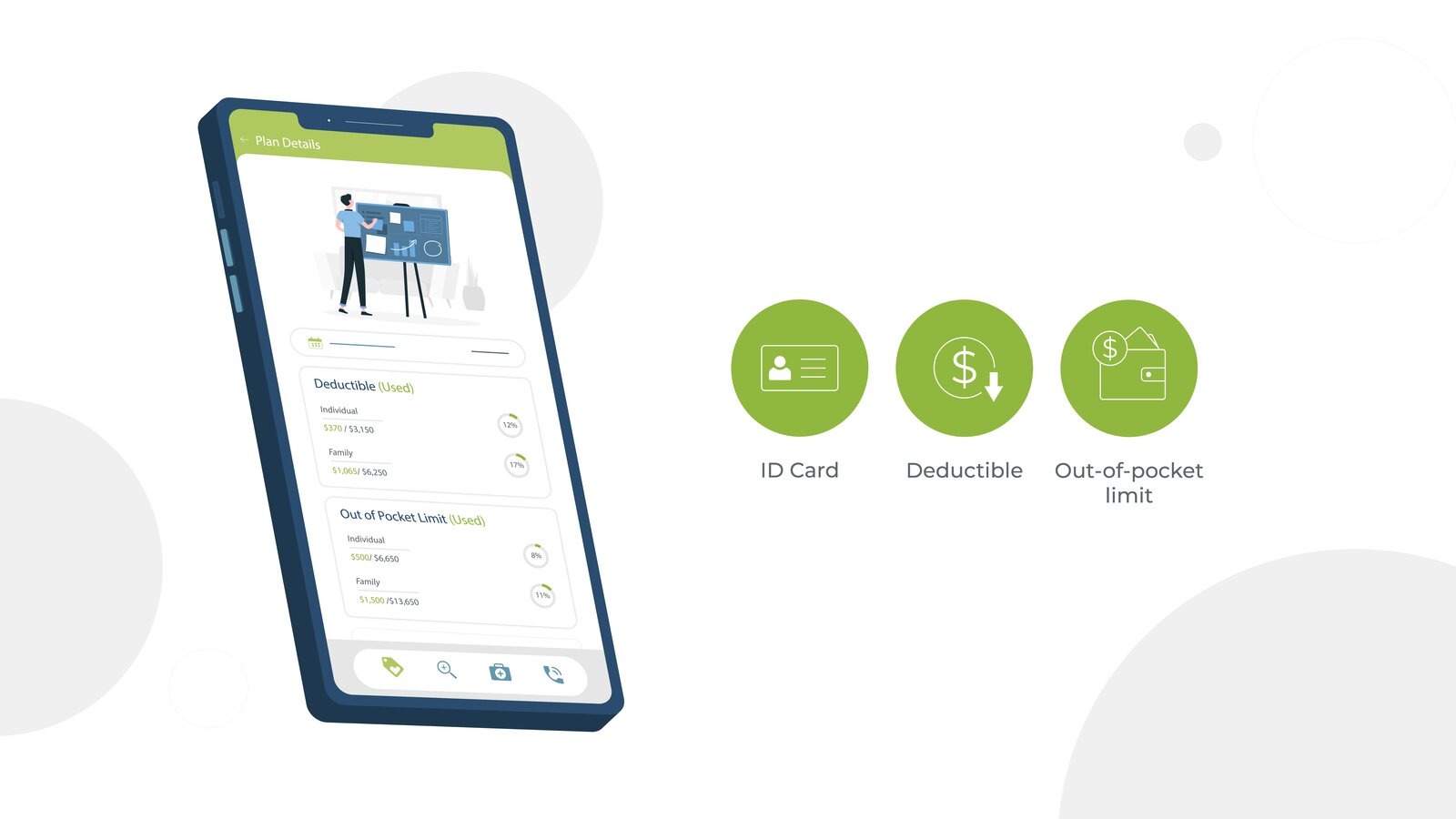
Costs, ratings and network status.
4
Get started
Download the app in seconds.
5
Log in
Member ID and Group ID from your card.
6
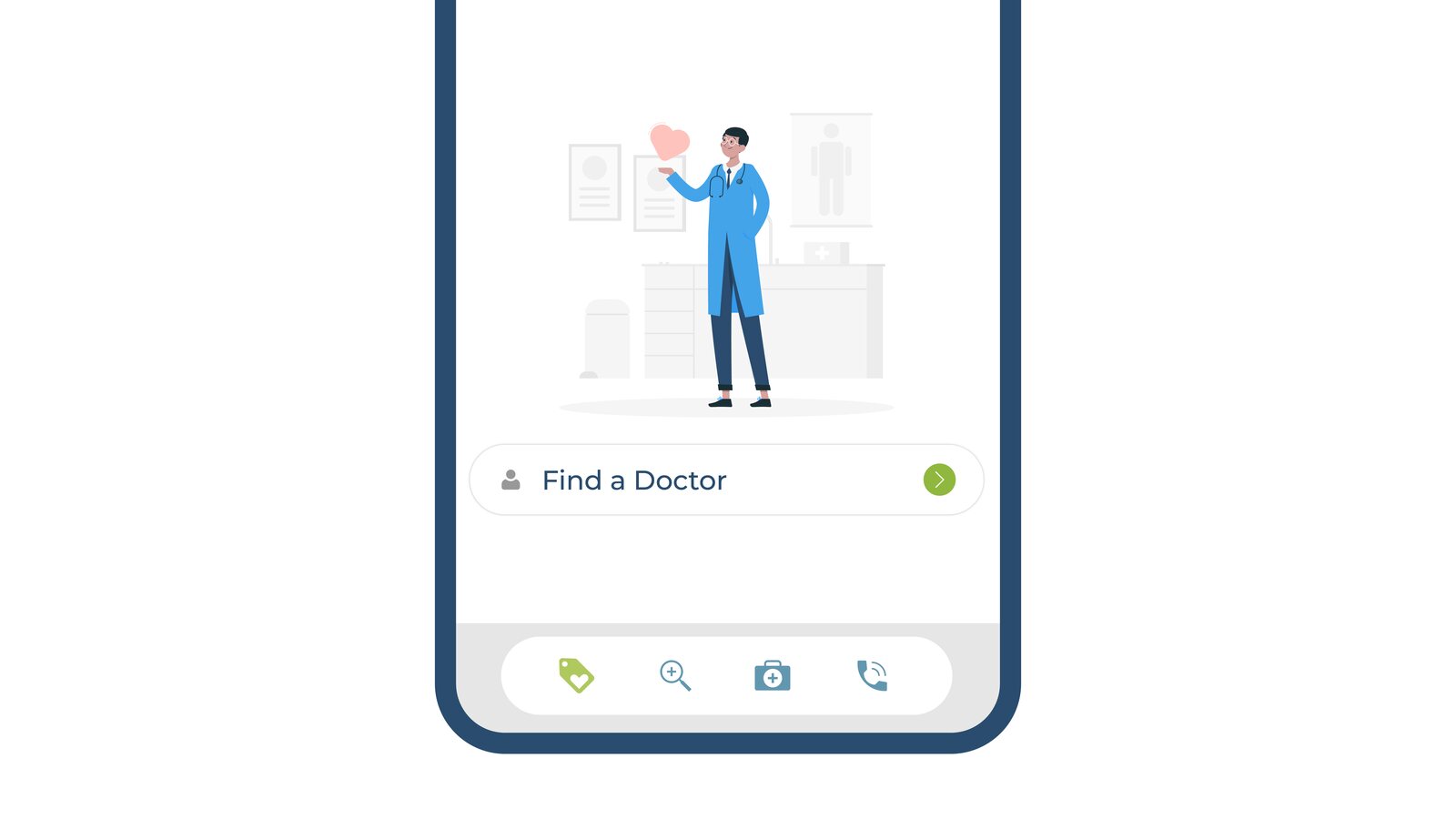
Find a Doctor
Start a provider search.
7
Search your way
By name, location or specialty.
8
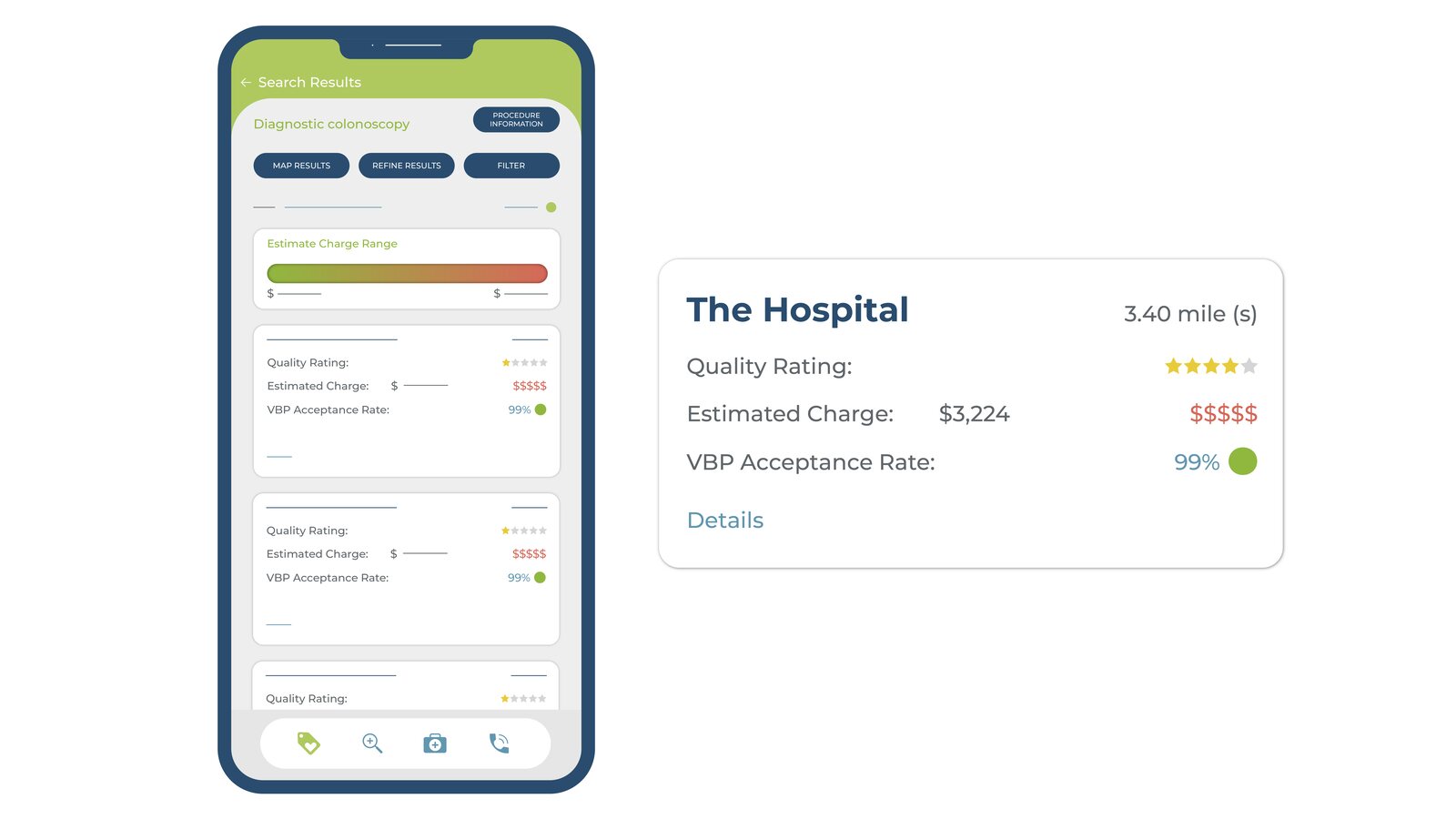
Compare results
Quality, price and acceptance at a glance.
sketch first, then animate
Storyboards and Script
We storyboarded the script panel by panel before animation began. Each panel paired a line of narration with a clear action. Pick a panel to see the sketch, the final frame and the script behind it.
SketchPanel 13Final frame8 of 11
Script
"To get started, either download the app or visit hstconnect.com."
Action
A hand slides in a phone and taps the app to start the download.
the final artwork
Design and Illustration
Fresh greens, simple line icons and real app screens. The style keeps a feature-heavy product easy to follow.
Value-Driven Health Plan
Phone and desktop
Feature icons
The app
Downloading the app
Health insurance card
Find a Doctor
Search options
Hospital details
Shop smarter
Get the app
Watch the Video
Motion Graphics · Multiplan
next step
Need to show users how your app works?
We turn product walkthroughs into short videos people follow.