Get an estimate for your project in 60 seconds. No email required.

Get an estimate for your project in 60 seconds. No email required.
We make animation for people who have to teach something: nonprofits, health authorities, schools, and training teams. The brief is always the same underneath. Someone has to understand this, and reading about it isn’t working. Here are four we produced, the five formats we use, and what they cost.
 By
Larry Mutenda
By
Larry Mutenda | What are good examples of educational videos? Good educational videos teach one idea to a specific audience. Examples include an animated lesson on how young people can respond to online hate, a Coast Mental Health video on how its services work, the BC SPCA's film on humane animal transport and a clean energy primer. The best ones use one idea per scene and let the visuals explain. |
Every educational animation starts from one question: what should the viewer be able to do afterwards? Everything else, the script, the pacing, the drawings, gets built backwards from the answer. That’s the whole difference between a teaching video and a marketing one.

Classrooms and online courses, employee onboarding, compliance and safety training, patient and public education, and product training for customers. The common thread is a topic people have to actually retain, not just recognize.
Five formats cover almost every educational brief we take. Treat the lengths as what we see most often, not as a rule.
| # | Type | How it teaches | Best for | Typical length |
|---|---|---|---|---|
| 1 | 2D animated lessons | Illustrated scenes that walk a concept through step by step | Academic concepts, onboarding, product training | 1–3 min |
| 2 | Whiteboard animation | Drawings that build while the narration explains them | Definitions, processes, anything sequential | 1–3 min |
| 3 | Animated infographics | Data, timelines, and processes assembled on screen | Reports, research, technical training | 30–90 sec |
| 4 | Character-driven scenarios | Situations played out by characters | Soft skills, compliance, safety | 2–4 min |
| 5 | 3D and technical animation | Models, cutaways, and mechanisms | Science, engineering, medical topics | 1–3 min |
All four are ours, and each one arrived with a different teaching problem: a sensitive subject aimed at teenagers, a nonprofit service that had to be understood before anyone could use it, a public awareness topic, and a technical subject written for a general audience. Nobody here has released completion or retention data, and we don’t publish client numbers, so there are none attached. Last verified September 2026.
Jump to an example: 1. Online hate · 2. Coast Mental Health · 3. Humane transport · 4. Clean energy
A hard subject for a teenage audience. The brief was to inform without frightening anyone, so the illustration stays warm and the narration stays calm. On a video like this, tone is a production decision we make at script stage.
Best for: sensitive subjects aimed at young audiences.
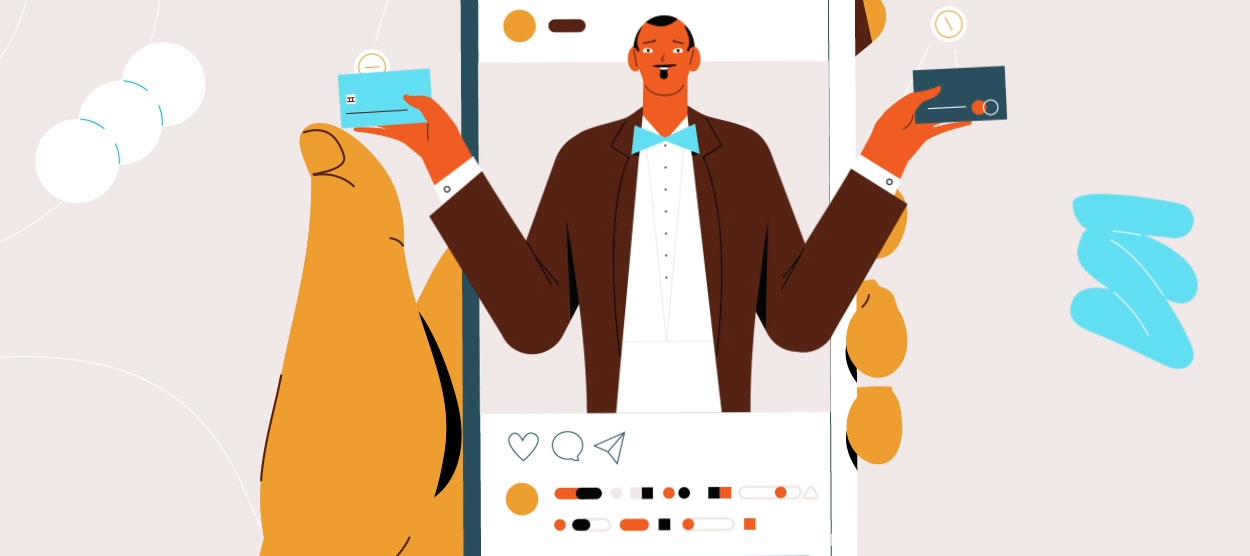
People can’t use a service they don’t understand. This whiteboard piece for a mental health nonprofit explains what the organization actually does, in plain language, with the drawing building as the narration goes.
Best for: explaining a service to the people who qualify for it.
Another whiteboard piece, this one teaching a standard of practice rather than a service. Procedures are a good fit for the format because a viewer can pause at any frame and still see every step that came before it. Our whiteboard animation page covers how we build them.
Best for: procedures and standards that people have to follow.
A sustainability topic explained for a general audience. Technical subjects like this one usually fail on vocabulary before they fail on complexity, so most of the work went into the script.
Best for: public awareness on a technical subject.
If a scene is carrying two points, the second one gets lost. Splitting it costs a few seconds of runtime and saves the whole explanation.
Mute the video. If you can still follow roughly what’s happening, the visuals are teaching. If you can’t, they’re decoration and the narration is doing all the work on its own.
People will happily rewatch a two-minute module. Almost nobody scrubs back through a twelve-minute one to find the part they forgot. Split the material by topic, and let the runtime land wherever it lands.
Accuracy is cheap to fix at script stage and expensive once scenes are animated. We build that review into the schedule.
For a single 60-second piece, $5,000 to $10,000 is the standard range. Custom characters, 3D, or heavier technical illustration moves it to $10,000 to $25,000. Full course programs start around $30,000, depending on how many modules there are.
Series work is where the economics change. Once the characters, templates, and style are built for module one, every module after it is cheaper, so we quote a course as a package instead of per video. The tiers are in our video cost guide, and corporate training video production covers the workplace side of this.
One to three minutes per module. Longer topics get split into a series of short videos instead of one long one, because that’s how people actually use them.
It has real advantages. It can show processes and abstract ideas a camera can’t, it stays visually consistent across a whole course, and it’s cheaper to update when the material changes. Live action still wins when a real person or a real workplace is the point.
Yes. We build a shared set of characters, templates, and style rules first, which keeps the course consistent and brings the cost per module down as the series goes on.
Either. Most clients give us source material and we turn it into a script, then review it with their subject-matter expert. If you already have an approved script, we’ll work from that.
Yes. Captions come as standard. Extra languages are cheaper than you’d expect on a course, because the narration and the visuals are separate layers and only the audio has to be replaced.
Four to six weeks for a single module. A series takes longer overall but less per video, since the design system only gets built once.
Educational animation succeeds or fails at the script, not the artwork. Write down what the viewer should be able to do, build one idea per scene, keep modules short, and get an expert to read it before anything gets drawn.

Larry is the Founder and Producer at Mammothic Films, with more than 15 years of production experience. He leads a team that creates story-driven videos for businesses and brands. A marketer, designer, and animator, Larry has overseen the production of more than 1,500 videos for Fujitsu, Logitech, Warner Brothers, NFL, Blockdaemon, Astronomer, Canonical, and 370+ other companies in Canada, the United States, and around the world.
Larry is a devout Christian who believes in placing God first, and that everything else is a blessing that comes from serving Him. When he’s not working, he’s hanging out with his wife and three kids, playing the piano, or sightseeing.
We use cookies to improve your experience on our site.
Manage your cookie preferences below:
Essential cookies enable basic functions and are necessary for the proper function of the website.